A programmer’s day can move between focused coding, video calls, music, and downtime. A useful gift can make one part of that routine more comfortable or enjoyable.
These nine ideas span desk setup, connectivity, audio, and gaming, with options for different workspaces and interests.
9 Gift Ideas for Programmers
SABRENT USB-C 6-Port Hub & M.2 SSD Dock

- Provides three USB Type-A ports for peripherals.
- Connects to an external display through HDMI 2.0.
- Includes an internal M.2 slot for an SSD.
Best Gift For: A programmer who wants to connect peripherals, an external display, and extra storage through a laptop hub.

HUANUO FlowLift Single Monitor Mount

- Fits monitors from 13 to 32 inches.
- Offers tilt, swivel, and rotation adjustments.
- Includes clamp and grommet mounting options.
Best Gift For: A programmer who wants to reposition a compatible monitor for a more comfortable desk setup.
FIFINE T669 USB Condenser Microphone Kit

- Connects to a PC or laptop by USB without extra drivers.
- Includes an adjustable boom arm stand and shock mount.
- Has a double pop filter to reduce popping sounds.
Best Gift For: A programmer who records voiceovers, joins online conferences, or chats by voice from a desk.
TP-Link AXE5400 WiFi 6E Router (Archer AXE75)

- Uses tri-band WiFi 6E with a 6 GHz band.
- Supports simultaneous transmission to more devices with OFDMA.
- Supports VPN server and client functions.
Best Gift For: A programmer looking to upgrade a home network used for browsing, streaming, gaming, or video calls.
SteelSeries Apex Pro TKL Gaming Keyboard

- Offers 40 levels of per-key actuation.
- Lets one key perform two different actions.
- Has a detachable USB-C connection.
Best Gift For: A programmer who games and wants per-key actuation settings on a tenkeyless keyboard.
Audioengine A2+ Wireless Computer Speakers

- Designed for nearfield listening on desks.
- Supports wireless streaming from phones, tablets, and computers.
- Connects through USB-C, RCA, or 3.5mm AUX inputs.
Best Gift For: A programmer who enjoys music, podcasts, or movies at a home office desk.
Nulaxy Pull-Out Height Adjustable Laptop Stand

- Fits laptop sizes from 10 to 17 inches.
- Adjusts laptop screen height from 1.2 to 20 inches.
- Folds for compact storage on a desk or at work.
Best Gift For: A programmer who alternates between sitting and standing while working at a laptop.
SteelSeries Aerox 3 Wireless Gaming Mouse

- The shell design keeps its weight to 68g.
- Supports wireless play over 2.4GHz or Bluetooth 5.0.
- Mouse interiors are shielded from water splashes, dust, and dirt.
Best Gift For: A programmer who also games and prefers a lightweight wireless mouse.
SHOKZ OpenRun Pro Open-Ear Bone Conduction Headphones
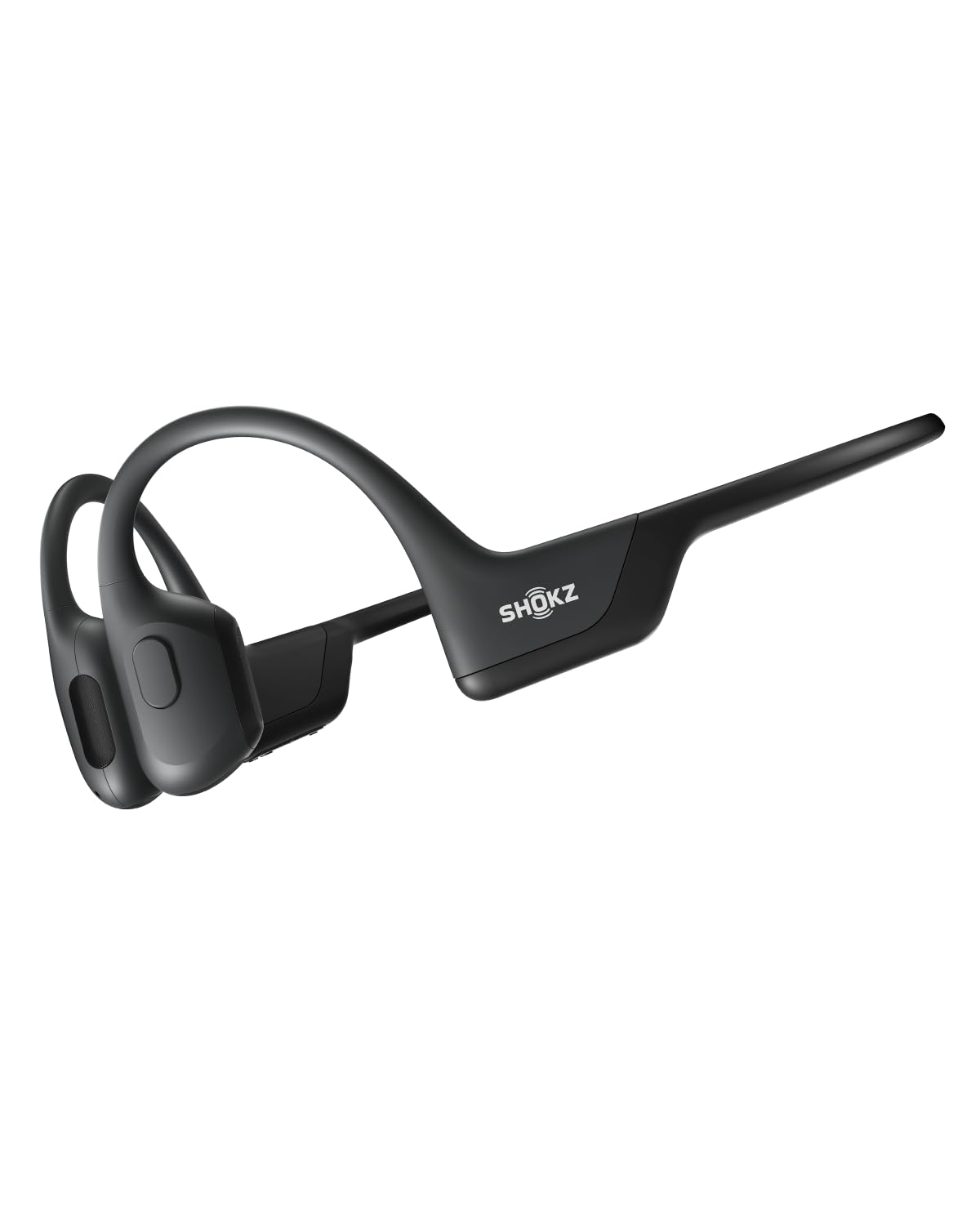
- The open-ear design avoids in-ear earbuds.
- A wraparound titanium frame helps keep them in place during training.
- Provides ten continuous hours of music, calls, and podcasts.
Best Gift For: A programmer who listens to music, calls, or podcasts during workouts and running.
Choosing gifts for programmers by daily routine
When choosing gifts for programmers, start with the part of their day you understand best. Someone who works mostly from a laptop may appreciate a tidier connection setup, while a person anchored to a home desk may welcome a change to their monitor or screen position.
A gamer or music listener may value a gift for time away from coding.
Look for clues in ordinary conversation: complaints about desk clutter, frequent video calls, a laptop balanced on books, or a favorite way to unwind. Those details help you choose something that fits an actual habit instead of a generic tech theme.
If you are unsure, ask what they would change about their workspace.
Compatibility deserves a quick check before buying. Confirm the recipient’s computer, monitor, desk, and existing connections suit the item you have in mind.
For an upgrade that depends on a specific port, mount, or network setup, a discreet question can save a gift that is exciting in theory but awkward to use.
Set a comfortable budget and weigh the tradeoffs
Start with a comfortable spending limit, then think about how often the recipient will use the gift. A smaller desk accessory can be a thoughtful choice when it solves a daily annoyance; a bigger audio or network purchase makes more sense when you know it matches a strong interest and their setup.
For gifts for programmers, consider whether a product needs other equipment to be useful. A computer accessory may depend on a compatible device or connection, and a desk mount may require enough suitable space.
Check current product details and dimensions before deciding, especially when the gift is meant to replace or expand something they already own.
A useful way to compare choices is to picture a normal workday. Would this help with the hours they spend at a desk, make calls easier, support a hobby, or improve a part of the home setup they often mention?
If the answer is vague, choose the simpler item that aligns with a clear preference.
Personalize the gift and present it thoughtfully
Personalization can come from how you match the gift to the person. Pair a workspace upgrade with a note about the late-night project they have been finishing, or connect an audio gift to the albums, podcasts, or games they already enjoy.
The connection makes a practical item feel considered.
For gifts for programmers, a small handwritten card can explain why you chose a particular kind of setup or activity without making the gift feel like an assignment to improve their productivity. Keep the message warm and specific: mention a shared conversation, a hobby they have talked about, or a wish for a more comfortable workday.
Presentation should suit the item and your relationship. Keep packaging easy to open, and include any receipt or gift option when available.
If the gift involves a setup change, offer to help arrange it only if they would enjoy that; some people prefer to configure their own workspace at their own pace.
Make the choice fit their work and downtime
Programming can involve long stretches of concentration, but the person receiving your gift may care just as much about gaming, music, calls, or changing posture during the day. Think about what they do between coding sessions too.
A gift that supports a personal interest can feel more welcoming than one that treats every part of their life as work.
If you are choosing for a particular desk, consider its available room and the recipient’s current devices. A compact setup may call for a different kind of accessory than a larger desk with several connections.
When you cannot inspect the space, ask a practical question or choose an item that is easy to use with what they already own.
Avoid assuming that one style suits every programmer. Some prefer fewer accessories and a clear desk; others enjoy tuning a gaming setup or improving their audio.
A useful gift leaves room for their preferences, and an exchange option can make a thoughtful surprise less stressful if the fit is off.
Last-minute gifts for programmers: check fit and timing
For last-minute gifts for programmers, check the seller’s current delivery estimate and product availability before placing an order. Timing can change, so avoid promising a specific arrival date.
If delivery looks uncertain, a card explaining the planned gift can still make the occasion feel intentional while you confirm the right model or setup.
Before buying, verify compatibility, dimensions, and the connections the recipient can use. For a monitor mount or adjustable stand, compare the item’s requirements with the desk and screen.
For network or audio equipment, make sure it fits their existing devices and preferences. These checks are more useful than rushing toward a gift based only on its category.
If a physical gift may arrive after the occasion, present a short note with a clear plan and a picture or name of the chosen item if appropriate. Keep the recipient involved in any final compatibility decision.
That approach works well for a more personal technology gift while leaving time to confirm practical details.