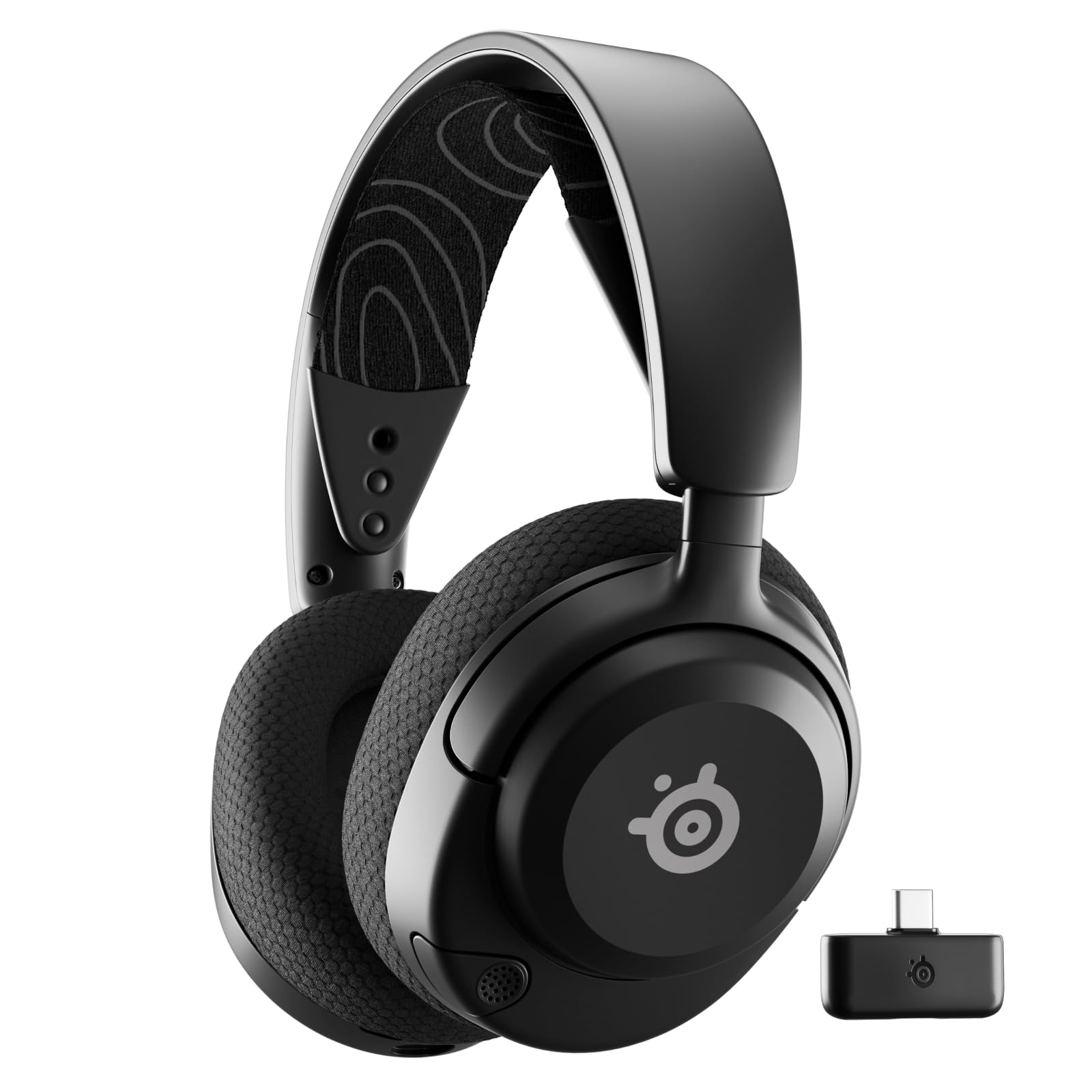
This SteelSeries Arctis Nova Pro Wireless review looks at a gaming headset built for players who switch between systems and want to keep playing through battery changes.
Arctis Nova Pro Review Summary
The quick verdict

6,000+ ratings
Read Amazon ReviewsSteelSeries Arctis Nova Pro Wireless
A flexible wireless gaming headset for players who want active noise cancellation, two-system connectivity, and swappable batteries.
- Connect two systems at once and toggle between PC, PlayStation, Switch, or Mac.
- Active noise cancellation includes a Transparency Mode for hearing your surroundings.
- Two hot-swappable batteries work with a base station that charges the spare.
- Bluetooth lets you mix mobile calls or music with game audio.

Pros
- Two-system connectivity reduces the need to reconnect when moving between supported gaming platforms.
- The spare battery charges in the base station while the other is in use.
Consider before buying
- The swappable-battery arrangement relies on the base station keeping the spare charged, which favors a setup with a place for that station.
- Players who need Xbox among their supported systems should confirm compatibility before buying; the listed platforms are PC, PlayStation, Switch, and Mac.
Read the full review summary
The Nova Pro Wireless combines active noise cancellation, a transparency mode, and connections for two systems at once. Its two hot-swappable batteries and charging base are the clearest reason to consider it for long gaming sessions.
It suits players with a PC or console setup who also want to mix mobile calls or music into game audio.
The main tradeoff is that the standout battery arrangement depends on keeping the spare charged in the base station, so it fits a desk-centered setup best.
The buying factors
Arctis Nova Pro Scorecard
Editorial scores reflect listed features and buyer fit; they are not laboratory measurements or customer ratings.
System switching
Two systems can stay connected at once, with PC, PlayStation, Switch, or Mac supported for toggling.
Battery continuity
Two hot-swappable batteries, including one charging in the base station, are designed to keep play going through a swap.
Noise-control options
Active noise cancellation is paired with Transparency Mode for hearing surroundings when desired.
Game-audio adjustments
Onboard profiles let players apply tuned settings for footsteps and other in-game audio.
Mobile audio mixing
Bluetooth connection can bring calls or music from a mobile device into game audio at the same time.
Platform flexibility
The listed system range covers PC, PlayStation, Switch, and Mac, while two systems can be connected at once.
Key Features and Specifications of Arctis Nova Pro
- Connect two systems at once and toggle between PC, PlayStation, Switch, or Mac.
- Active noise cancellation includes a Transparency Mode for hearing your surroundings.
- Two hot-swappable batteries work with a base station that charges the spare.
- Bluetooth lets you mix mobile calls or music with game audio.
- Onboard profiles provide fine-tuned settings for footsteps and other in-game audio.
- The headset has a ClearCast Gen 2 microphone and neodymium magnetic drivers.
Pros and Cons of Arctis Nova Pro
Pros
- Two-system connectivity reduces the need to reconnect when moving between supported gaming platforms.
- The spare battery charges in the base station while the other is in use.
- Transparency Mode gives users an option to hear their surroundings.
- Mobile calls or music can be mixed into game audio over Bluetooth.
Consider before buying
- The swappable-battery arrangement relies on the base station keeping the spare charged, which favors a setup with a place for that station.
- Players who need Xbox among their supported systems should confirm compatibility before buying; the listed platforms are PC, PlayStation, Switch, and Mac.
Who Should Buy Arctis Nova Pro?
Good fit
Choose it if you move between a PC, PlayStation, Switch, or Mac and value connecting two systems at once. That arrangement is especially useful when changing platforms is part of the regular setup.
It also makes sense for extended play sessions where changing a battery is preferable to stopping to recharge the headset. The spare charges in the base station, and Bluetooth can bring mobile calls or music into the mix.
Who should skip it
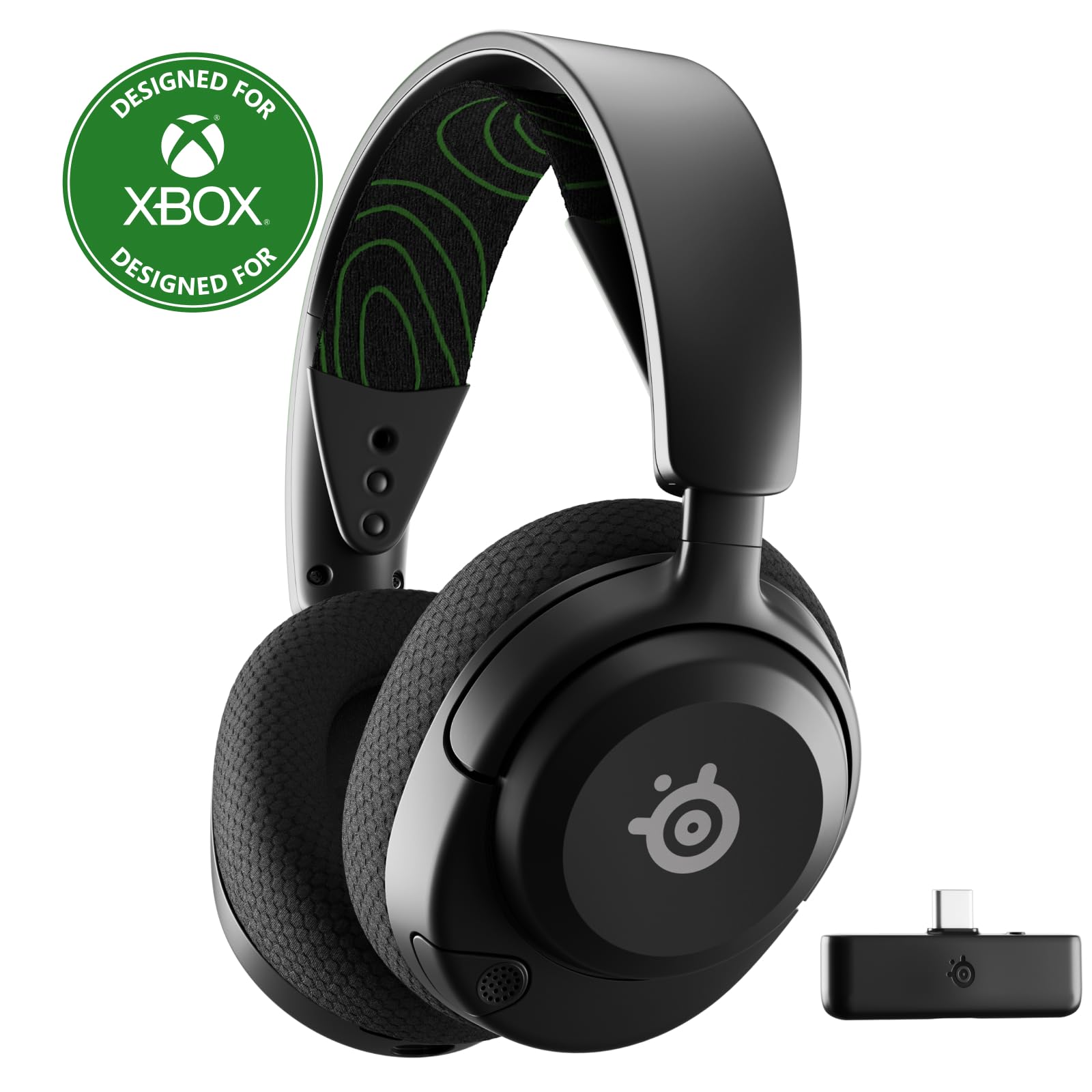
Look elsewhere if Xbox support is essential: Xbox does not appear in the stated system-switching list, which covers PC, PlayStation, Switch, and Mac.
It may be a poor fit if you do not want a base station as part of your battery routine, since the spare battery is intended to charge there while the other is used.
Arctis Nova Pro: Designed for a Multi-System Gaming Desk
Switching between gaming systems
The ability to connect two systems at once is a practical fit for a desk with more than one gaming source.
The listed support spans PC, PlayStation, Switch, and Mac, so check that your specific setup matches those platforms before choosing it.
Battery planning for long sessions
The two-battery setup is designed around swapping rather than waiting for a single battery to recharge.
That is most useful when the base station can stay nearby and keep the spare charged; without that routine, the headline continuity benefit matters less.
Managing immersion and awareness
Active noise cancellation helps focus on game audio, while Transparency Mode offers a way to hear the surroundings.
That choice supports different listening situations, though it should be treated as an audio convenience rather than a guarantee of awareness in every environment.
Adding mobile audio
Bluetooth mixing gives a player a way to add calls or music from a mobile device while game audio remains part of the session.
This can reduce device switching for casual multitasking, though the presence of a microphone alone does not establish call clarity in every setting.
Alternatives to Arctis Nova Pro
Battery-focused alternative
1,000+ ratings
Read Amazon ReviewsSteelSeries Arctis Nova 5 Wireless
Choose the Nova 5 if you prefer its stated battery duration and tap-to-switch connection between gaming wireless and Bluetooth. Choose the Nova Pro if two connected systems, active noise cancellation, and swappable batteries better match your setup.
- The Nova 5 offers a 60-hour battery, quick switching between 2.4GHz gaming and Bluetooth, and a USB-C dongle for PC, PlayStation, Switch, Meta Quest, phones, or tablets.
- The Nova Pro connects two systems at once and pairs active noise cancellation with two hot-swappable batteries and a charging base station.
Battery-focused alternative
1,000+ ratings
Read Amazon ReviewsSteelSeries Arctis Nova 5X Wireless
Pick the Nova 5X if Xbox support is central and you want its listed cross-platform range with tap-to-switch wireless and Bluetooth.
The Nova Pro is the stronger fit for a two-system-at-once setup with active noise cancellation and hot-swappable batteries.
- The Nova 5X supports Xbox alongside PC, PlayStation, Switch, Meta Quest, phones, or tablets through a compact USB-C dongle, and switches between 2.4GHz gaming and Bluetooth.
- Its battery is rated for 60 hours.
- The Nova Pro's defining setup centers on two-system connection, active noise cancellation, and two hot-swappable batteries.
Is Arctis Nova Pro Worth It?
The SteelSeries Arctis Nova Pro Wireless is worth considering if your priorities are switching between two connected gaming systems, reducing background distractions with active noise cancellation, and avoiding long battery pauses through hot-swappable cells.
Its best fit is a multi-system player who can keep the base station close and also values mobile audio mixing. Confirm that the listed platform support matches your setup, especially if Xbox is required, before buying.
Your review at a glance
6,000+ ratings
Read Amazon ReviewsSteelSeries Arctis Nova Pro Wireless
A flexible wireless gaming headset for players who want active noise cancellation, two-system connectivity, and swappable batteries.
- Connect two systems at once and toggle between PC, PlayStation, Switch, or Mac.
- Active noise cancellation includes a Transparency Mode for hearing your surroundings.
- Two hot-swappable batteries work with a base station that charges the spare.
- Bluetooth lets you mix mobile calls or music with game audio.